


Installs
1,000,000+
Price
Free
Developers
Assemblr
Content Rating
Everyone
Android Version
8.1
Version
4.4.3
Assemblr Studio: Easy AR Maker APP Review
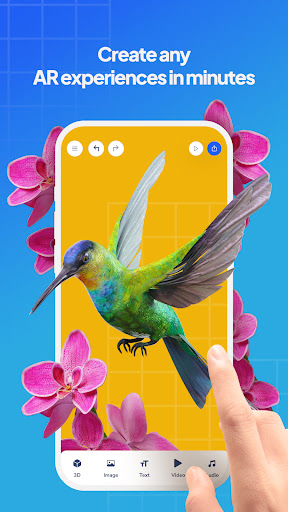
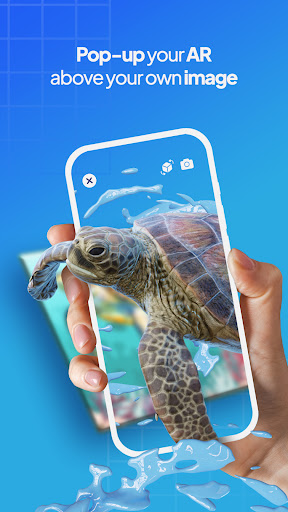
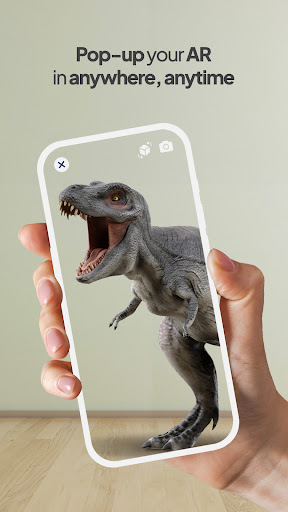
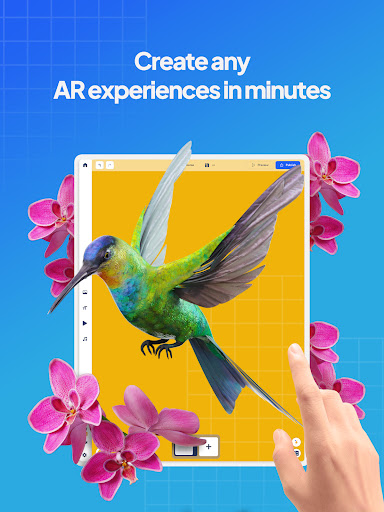
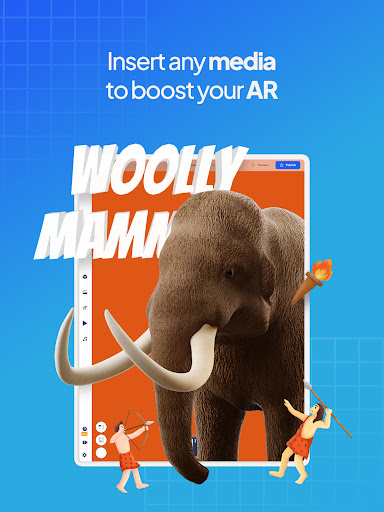
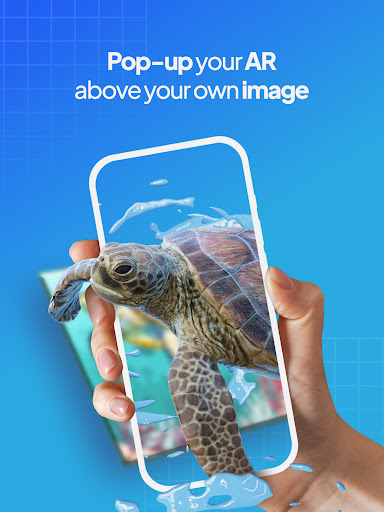
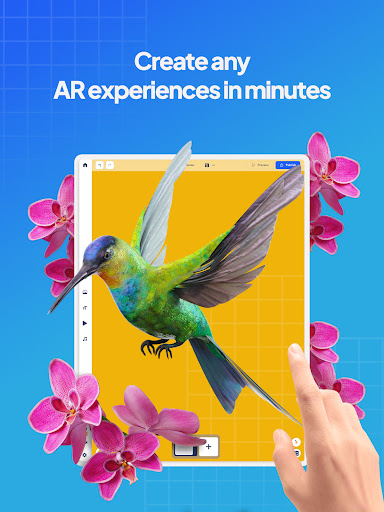
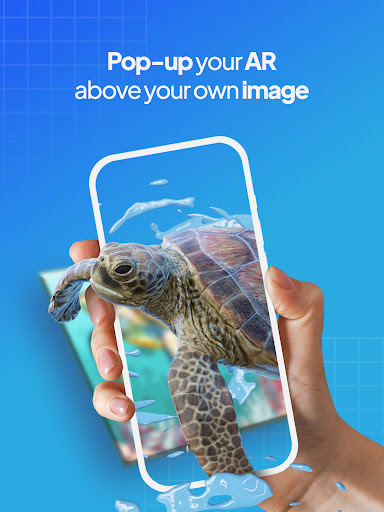
Assemblr Studio: Easy AR Maker is revolutionizing the way we engage with augmented reality, offering a seamless and intuitive platform for users of all skill levels. Gone are the days when AR was reserved for tech experts; with Assemblr, you can create impressive AR experiences in just a few clicks. This app is ideal for marketers, educators, and creative individuals looking to express their ideas through immersive visuals.
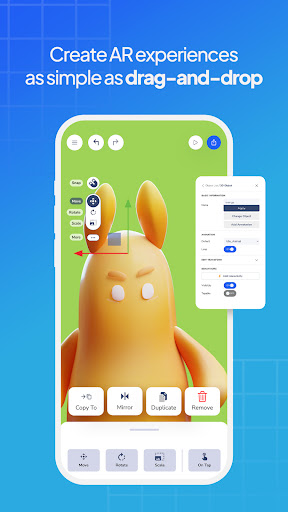
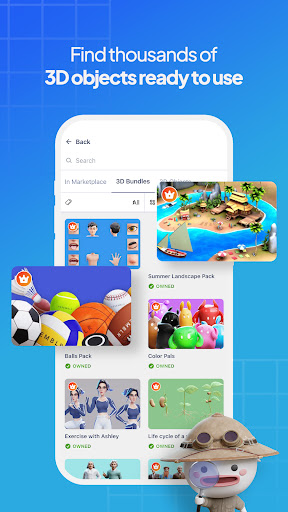
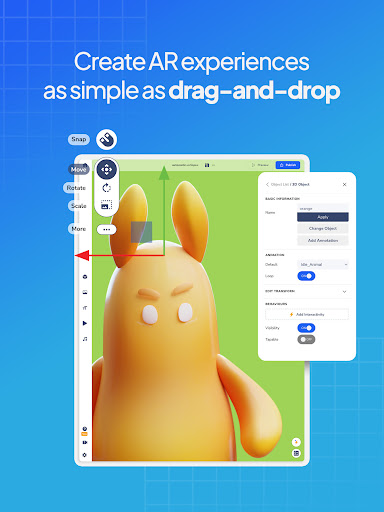
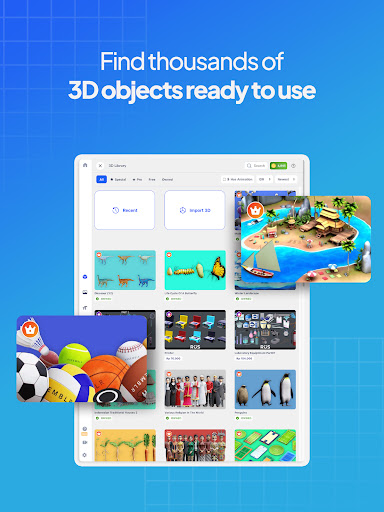
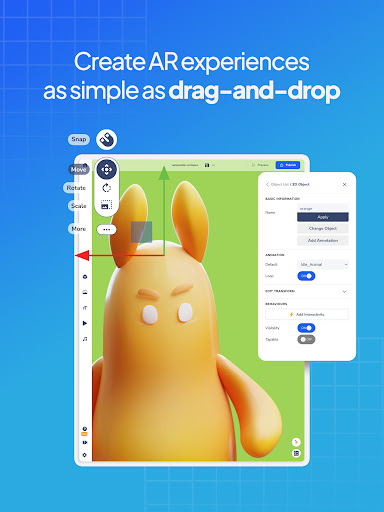
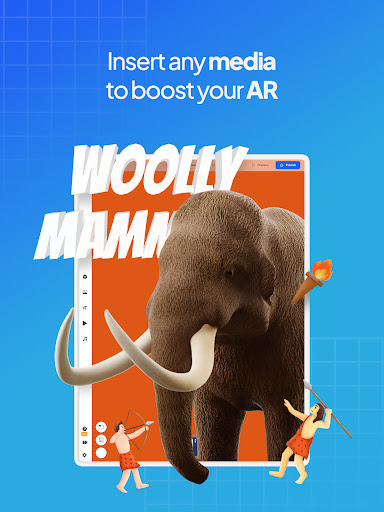
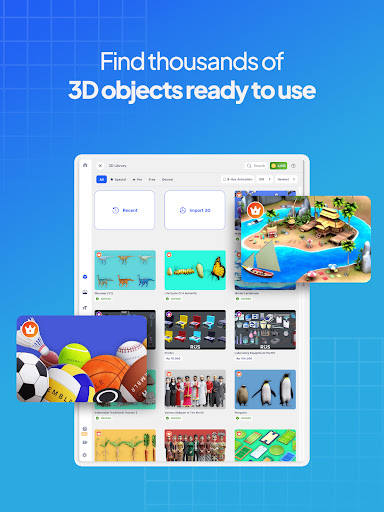
The app features an All-Around Editor that allows you to bring your ideas to life quickly and effortlessly. With thousands of 2D and 3D objects available at your fingertips, turning your vision into reality is as simple as dragging and dropping elements where you want them. It’s a fun and engaging way to work on projects, whether for educational purposes or creative expression.
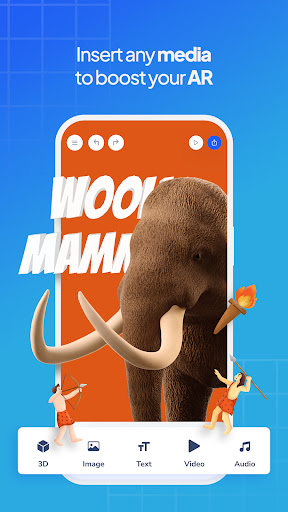
Assemblr Studio also supports interactivity, enabling users to add animations, quizzes, and mini-games to their AR projects. This feature enhances engagement, making learning and presentations more enjoyable and effective. Users can customize their creations and share them widely through links, AR markers, or even embed codes in other platforms like Canva.
Despite its brilliant offerings, some users face challenges with app performance, such as lag and crashes, particularly when accessing advanced features or working with large files. The developers are actively seeking feedback to improve these issues. In conclusion, Assemblr Studio stands out as a powerful tool for anyone interested in AR, but it’s essential to remain patient as the app continues to enhance its functionalities.
Latest Update:
They say it’s the coldest season of the year
Well, who says? Our updates will keep you warm through it all!
- New looks on Annotation
Annotation gets much better and neater! You can customize the color, and for the Line Annotation, you can also adjust the length of your annotation :wink:
- Landscape orientation on tablets
Been switching back and forth between portrait and landscape orientation on your tablet? From now on, we’ll lock it to landscape for a more hassle-free experience
Update now~
Pros
Cons
Comments
Similar Apps

Flyer Maker, Poster Maker
Art & Design
4.8
Poster Maker - Flyer Maker
Art & Design
4.6
Poster Maker - Flyer Designer
Art & Design
4.4
Flyer Maker, Poster & Banner
Art & Design
4.4
Flyer, Poster & Graphic Design
Art & Design
4.4

Poster Maker AI Flyer maker
Art & Design
4.6

Poster Maker - AI Flyer Editor
Art & Design
4.8
Poster Maker, Flyer Maker, Art
Art & Design
4.3
Poster Maker - AI Flyer Design
Art & Design
4.4
Poster Maker & flyer maker app
Art & Design
4.8

Poster Maker, Flyer Maker
Art & Design
4.8
Flyers, Poster Maker, Design
Art & Design
4.7

Logo Maker And Logo Creator 3D
Art & Design
4.8

Tenada: Graphic Design & Logo
Art & Design
4.6
Trending Apps

Jily -Match to video chat
Social
4.7

CARFAX Car Care App
Auto & Vehicles
4.7

AutoScout24: Automobile market
Auto & Vehicles
4.6

CARFAX - New & Used Cars
Auto & Vehicles
4.6

Device Clone
Productivity
4.0

Android Device Policy
Tools
3.1

Device Care
Tools
3.9

Squadnox - Game Server Hosting
Tools
2.5

SuperToons Masha and the Bear
Entertainment
4.5

Apples & Bananas Kids App
Education
3.4

Codecademy Go
Education
4.7

Learn Python-Code Lab by Ocean
Education
4.2

Hyperskill: Learn to code
Education
4.8

Code Life - Learn to code
Education
4.4

Encode: Learn to Code
Education
4.5

Learn Python
Education
4.8

Business Marketing Auto Reply
Communication
4.4

WooCommerce
Business
4.6

Glitchy Digital Marketing
Social
4.6

Learn Growth Hacking
Education
4.7